The short answer
Listen to the narrator’s e-learning demo first, not their commercial reel. Then send three things with your request: the final script, a pronunciation list, and how you want the files split and named. Before you book, ask about turnaround, changes and live direction. A good e-learning voice actor reads your script, asks questions, and hands back clean files you can drop straight into your course.
I get a lot of e-learning scripts, and the projects that go smoothly almost always start the same way. The team knew what they wanted to hear, they sent everything in one email, and we agreed on the small stuff before I pressed record. This guide walks you through that, step by step, so your next course narration is easy on both ends.
1. Start with the e-learning demo
A commercial demo tells you if someone can sell. It doesn’t tell you if they can teach. Course narration is a different job. Your learner might listen for twenty minutes, often at a desk, sometimes on their first day at a new company. So ask for, or find, a demo made for training and e-learning.
When you listen, ask yourself three questions:
- Does it sound like explaining, or like selling? You want someone talking to one person, not announcing to a room.
- Could I listen to this for a whole module? Warm and steady beats big and exciting over twenty minutes.
- Do the technical words land? Listen to how they handle product names, steps and numbers. Clear is the whole point.
Friendly and relatable, walking learners through a training platform. Read the full script on my e-learning page.
2. What to send a voice actor
This is where most of the back-and-forth comes from. If you send these up front, you’ll get a faster quote and fewer surprises.
| What to send | Why it matters |
|---|---|
| The final script | Approved by everyone who needs to approve it. Changes after recording cost time on both sides. |
| A pronunciation list | Product names, acronyms, people’s names, place names. A short audio clip or a “sounds like” spelling is perfect. |
| Who the learner is | New hires on day one hear things differently than senior engineers. This sets the pace and the tone. |
| How to split and name files | One file per slide or screen, named to match your script, saves your developer hours. |
| File format | Tell me what your authoring tool or LMS team wants, such as WAV or MP3. |
| Word count and deadline | The word count drives both the quote and the schedule. |
| A reference you like | A link to a course or video with the feel you’re after. It’s worth more than a paragraph of adjectives. |
If you don’t have all of this yet, send what you have. I’ll read the script and tell you what I’d need before we start.
3. How long will the narration run?
Here’s a rough planning number. E-learning narration often lands somewhere around 130 to 150 words per minute. That’s slower than a commercial, because learners need a beat to take things in. So a 1,500-word module usually runs about 10 to 12 minutes of finished audio.
Treat that as a guide, not a promise. Pauses for on-screen clicks, lists and tricky terms all add time. One tip that saves a lot of rework: record the narration first, then time your slide builds and animations to the audio. It’s much easier than asking a narrator to hit exact timings blind.
4. Questions to ask before you book
These five questions tell you most of what you need to know about working with someone. Here are my own answers, so you can see what a straight answer looks like.
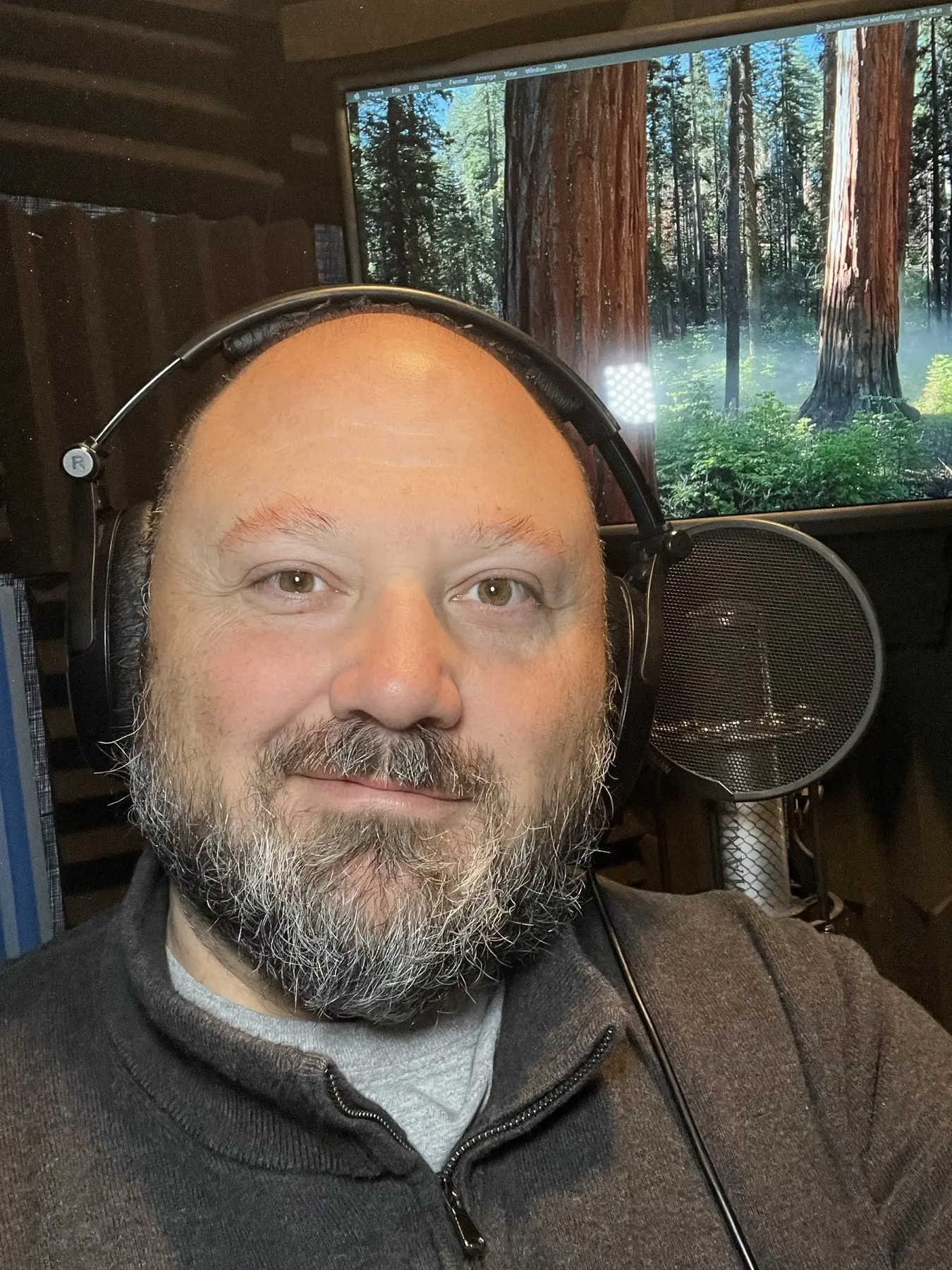
- Are you a real person? Yes. Every word is recorded by me, in my booth in Gloucester, Virginia. No synthetic voices, no clones.
- How fast can you deliver? Most projects are delivered in under 24 hours. Faster if you need it. For long courses we agree a schedule up front.
- What happens if something needs changing? You get one free revision of up to 50 words, plus pickups to get it exactly right. Script changes after delivery are quoted separately.
- Can I direct the session live? Yes. We can do a directed session over Source-Connect, or a video call if you’d rather direct that way, so you can see and hear me record and give notes as we go.
- Will the files work in my course? I edit, master and format the audio to work with your e-learning software, split and named the way you ask.
5. Why a teaching background helps
Before I stepped up to a microphone, I spent 21 years in theatre as a stage actor, teacher, director and acting coach. I also have a graduate degree in Educational Leadership from Old Dominion University.
That shapes how I read a course. I’m not thinking about how my voice sounds. I’m thinking about the person on the other end, and where they might get lost. Where does a new idea start? Which word in this sentence is the one they need to remember? Where do they need a breath before the next step? A narrator who thinks like a teacher gives you that without being asked.
6. Mistakes that slow a project down
- Sending a draft script. If legal or a subject expert hasn’t signed off yet, wait. Re-recording whole sections is the biggest time sink there is.
- Skipping the pronunciation list. Your team says that acronym every day. A narrator is seeing it for the first time.
- Asking for one giant file. Unless you want to cut it up yourself, ask for one file per screen.
- Choosing on price alone. The cheapest read can turn into the most expensive one if it needs to be redone.
- Leaving out the learner. “Friendly and professional” fits almost anything. “Warehouse staff on a tablet during a break” tells me exactly how to read it.
7. What about AI voices?
Some teams use a synthetic voice for early drafts so they can test timing. That can make sense. For the finished course, a person brings things a text-to-speech tool doesn’t. I can spot a typo in your script, ask what a term means, and notice when a sentence will confuse a learner. And if you want a different feel on one line, we just try it. That’s the whole reason I’m in the booth.
Quick questions
Can you split the audio into one file per slide?
Yes. Mark the breaks in your script, or number each section, and I’ll deliver files named to match.
Do you record long courses?
Yes. Send the full script or a word count and I’ll quote it and plan delivery in batches if that helps your team review as you go.
What if our script changes after you record?
Small fixes are covered by the free revision of up to 50 words and pickups. New or rewritten sections are quoted separately.
Can our subject expert sit in?
Yes. Anyone on your team can join a live directed session, over Source-Connect or a video call, and give notes while I record.
How do I get a quote?
Send the script or a word count, your deadline and what the course is for. I usually reply within a few hours.
Have a course script ready?
Send it over with your word count and deadline. You’ll get a free quote, and you can hear the e-learning demo first if you haven’t yet.
More on how I work: E-learning voice over · All demos · More guides for buyers